
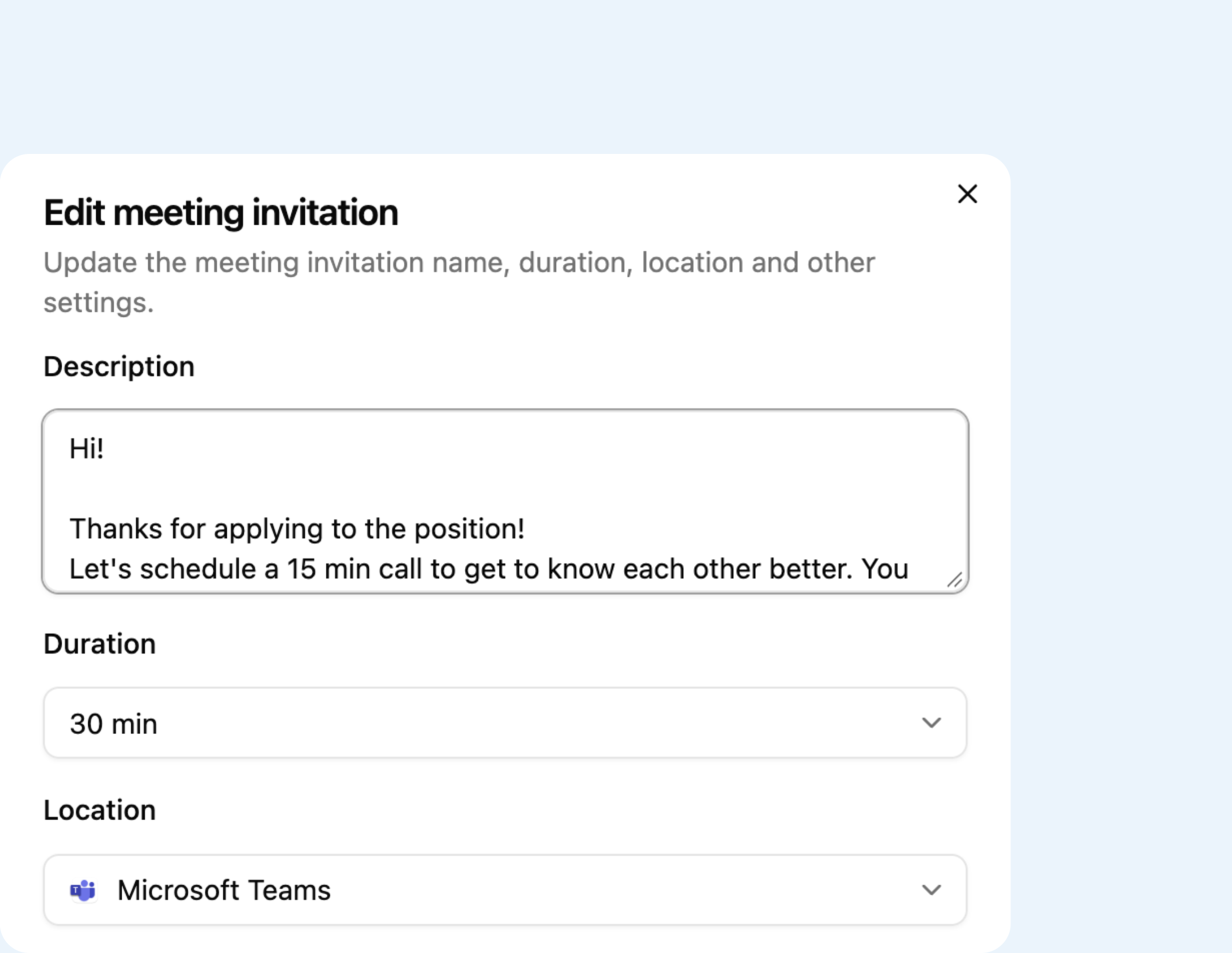
One link for each step
A 15-minute screen, a 30-minute call with the hiring manager, a 45-minute technical round. Create reusable templates and links, and forget about crafting per-person emails.
For recruiters and hiring teams
Send one reusable link to all candidates, and set a deadline to keep the pace. Remove the idle time and get interviews booked ASAP.
Free to start, no card needed.
How it works for you
A 15-minute screen, a 30-minute call with the hiring manager, a 45-minute technical round. Create reusable templates and links, and forget about crafting per-person emails.
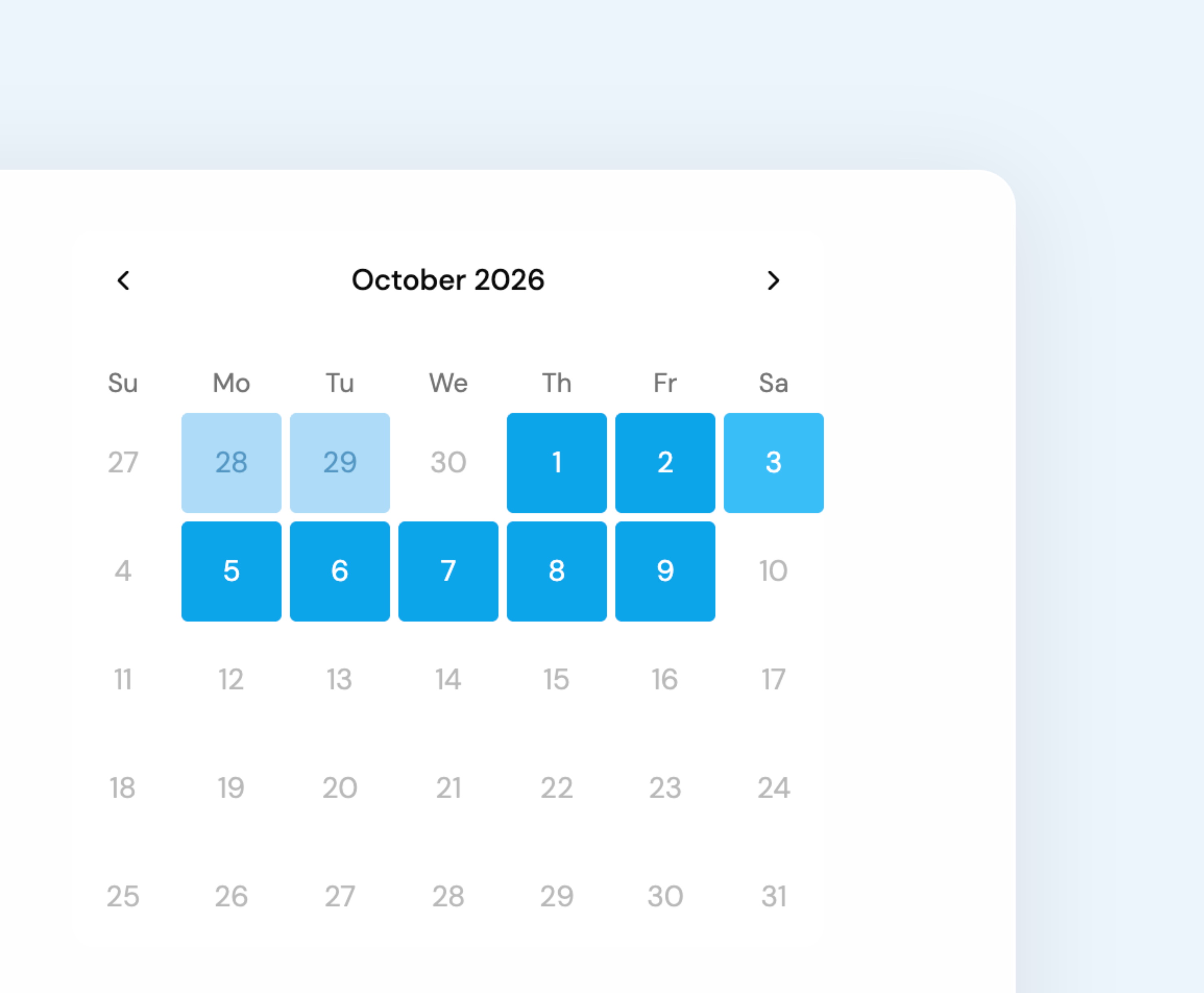
Candidates open a link, choose a time available in your calendar, and add their email. They receive the meeting invitation in seconds. No sign-ups needed.
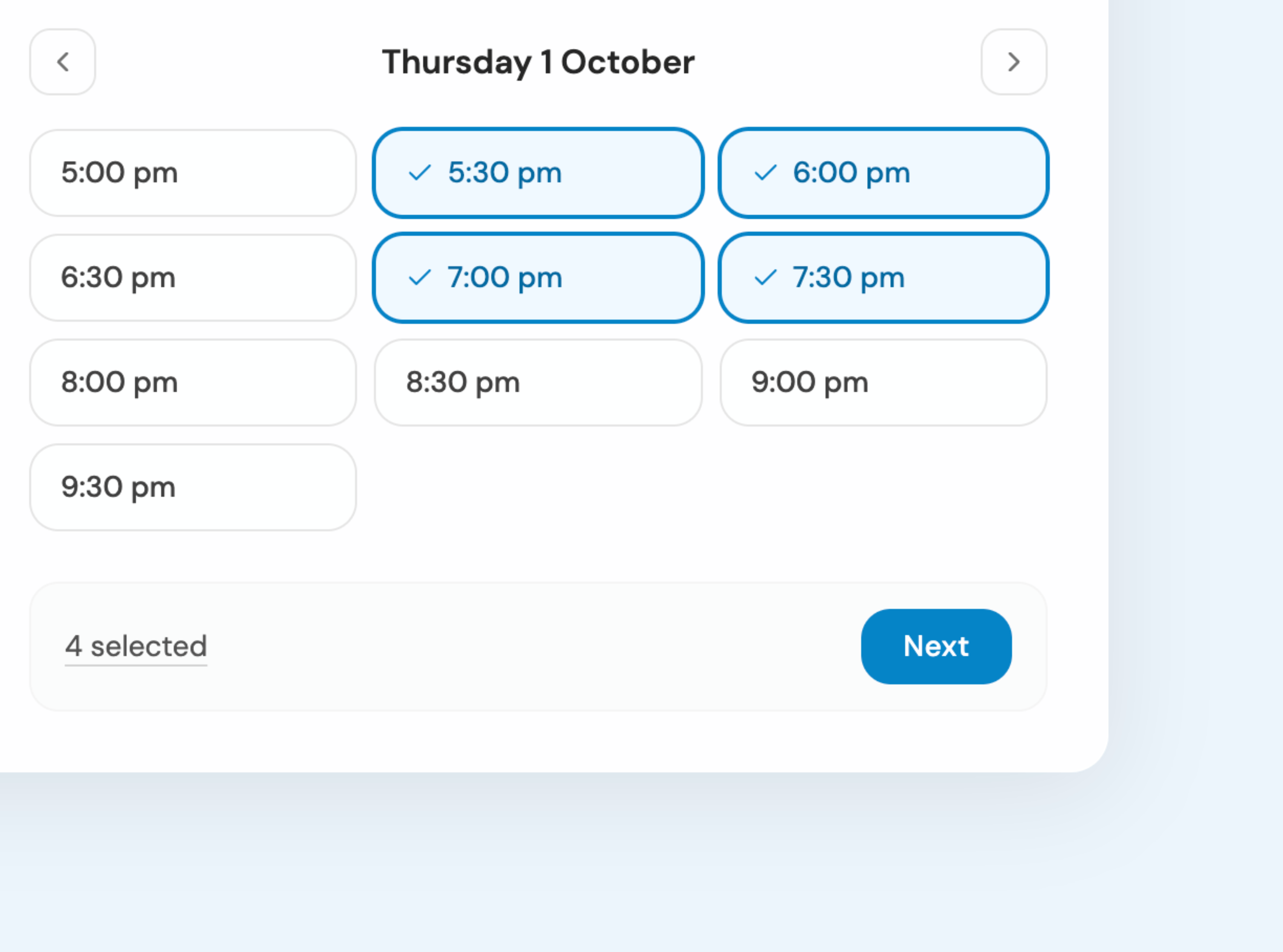
Easily coordinate meetings with founders and candidates with a single link. Stop puzzling between schedules. LineUp takes care of finding the most appropriate time and automatically adds the meeting to your calendar.
A link for every kind of session
Build a template once for each event you offer: an intro call, a 60-minute session, a group workshop. Then, create an invitation in seconds.
Online, in person, by phone or on WhatsApp
Pick where each session happens. Online sessions get a Google Meet or Teams link, add your number for phone calls, or set the location to meet face-to-face.
Your digital business card
Publish your business card and share your contact details, relevant links, and booking options for each of your services.
Your data is encrypted in transit, and sensitive credentials like your calendar connections are encrypted at rest. LineUp is built and hosted in Europe, and we never store the contents of your calendar.
We use it to show your availability and to book meetings. Nothing else. Your events stay in your own calendar, not with LineUp. When someone opens your booking page LineUp reads only what is free and what is busy, and never copies titles, descriptions or guest lists onto our servers. We do not sell your data and we do not use it for advertising.
Up to ten, from Google and Microsoft, in any combination: your work account, your personal one, a shared calendar. You decide which of them block your availability, and which single calendar new bookings are written to. If a connection ever drops, LineUp notices and tells you before someone books over your time off.
Yes, and that is the point. You build named weekly schedules, say one for client sessions and one for intro calls, and each meeting type uses the one you choose. On top of that you set how much notice you need before someone can book, the first and last day a link can be used, and how far ahead people may book. LineUp then removes anything already busy in your connected calendars, so what people see is your rules minus your real commitments.
No. They open the link, book a meeting, and fill in name and email. They receive a confirmation to their email and can manage their booking through the secure link provided. No need to register or sign in.
English, Spanish and Dutch. That covers the app, your booking page, and every confirmation, reschedule and cancellation email.
Create your account free, connect a calendar, and send your first link in the next ten minutes.
Create your free account